Google Business Profile: the free tool your business can't ignore
Your Google listing is the first thing customers see. We explain step by step how to set it up, optimize it, and use it to attract more customers.
It's free. It's powerful. And most businesses don't use it well.
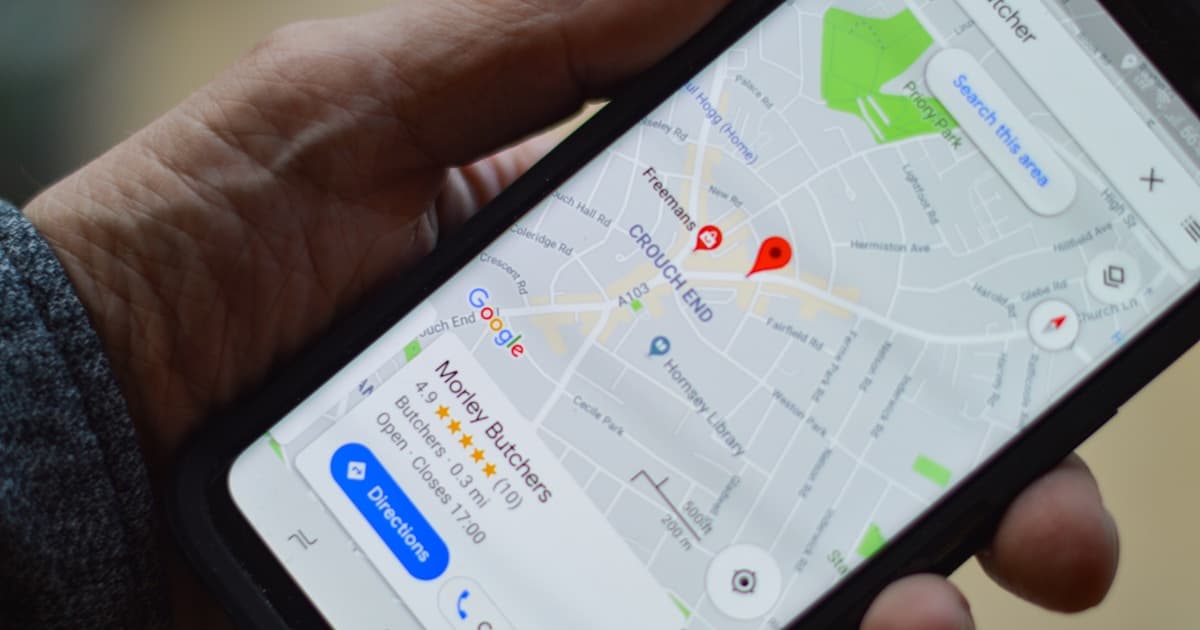
When someone searches "hairdresser near me" or "auto repair shop in Manchester," the first thing that appears isn't a website. It's a map with business listings. Those listings are Google Business Profile (formerly Google My Business).
If you haven't claimed and optimized your listing, you're literally giving customers to your competition.
What is Google Business Profile
It's your business listing that appears in:
- Google Maps when someone searches for nearby businesses
- Google Search in the right sidebar when they search your name
- The "local pack" — the 3 businesses featured in local search results
It's free and managed by Google. You just need to claim it and keep it updated.
How to claim your listing (step by step)
1. Go to Google Business
Search "Google Business Profile" and access the tool. You need a Google account (Gmail).
2. Search for your business
Google may have already created an automatic listing with basic information. If it exists, claim it. If not, create a new one.
3. Verify your identity
Google needs to confirm you're the owner. Usually they send a postcard with a code to the business address (takes 5-14 days). Sometimes they allow phone or email verification.
4. Complete all information
This is where most businesses fail. It's not enough to just add the name and address.
The 10 fields you MUST fill in
-
Business name — Exactly as it appears in the real world. Don't stuff keywords here — Google will penalize you.
-
Primary category — Choose the most specific one possible. "Italian restaurant" is better than "Restaurant."
-
Full address — With postal code. If you work without a physical location, you can set up a service area.
-
Phone number — The business's main number. Make sure it works and someone answers.
-
Business hours — Including holidays and special hours. Nothing worse than showing up to find a closed door.
-
Website — Direct link to your website. If you don't have one, all the more reason to get one.
-
Description — 750 characters to explain what you do, for whom, and why they should choose you. Natural, without keyword stuffing.
-
Photos — Minimum 10 quality photos: storefront, interior, team, products/services.
Photos make a real difference
Listings with photos receive 42% more direction requests and 35% more website clicks. Quality images of your storefront, team, and products build trust before the customer even visits.
-
Services/Products — Detailed list of what you offer, with description and price if applicable.
-
Attributes — Free WiFi, wheelchair access, parking, pet-friendly... everything that's relevant.
Reviews: the deciding factor
93%
of consumers read online reviews before choosing a local business
Your rating and number of reviews determine:
- Whether you appear in the local pack (more reviews = better position)
- Whether users trust you (below 4 stars already raises doubts)
- Your conversion rate (from "I see your listing" to "I contact you")
How to get more reviews
- Ask directly — After a good service, ask the customer to leave a review
- Make it easy — Google gives you a direct link you can send via WhatsApp or email
- Respond to ALL — Both positive and negative. Show that you care
How to respond to negative reviews
- Stay calm
- Thank them for the feedback
- Acknowledge the problem if it's legitimate
- Offer a solution
- Invite them to reach out privately
Never: argue, insult, or ignore.
Posts: your free mini-blog
Google Business lets you publish updates like a mini social network:
- Updates — New product, new service, schedule change
- Offers — Discounts and promotions with expiration dates
- Events — Open days, workshops, presentations
These posts appear directly on your listing and Google factors them into your rankings.
Your listing is your digital storefront
For many customers, your Google Business listing is the first (and sometimes only) contact with your business. Treat it with the same care as your physical entrance.
Google Business Profile is the starting point for local SEO. If you want to understand how it fits into a broader strategy, we recommend our basic SEO guide for SMBs. And if your website isn't up to scratch, all the visits you get from Google Business will be wasted. We explain why your SMB needs a professional website.
Need help optimizing it? It's one of the first steps we take with our clients. Get in touch and we'll give you a hand.